
The Office Harness
for AI Agents
Unify Office Tools & Files in One Runtime
Spreadsheets, docs, slides, canvases, relational tables, and more
Make Office Files Agent-Native
Turn every file into structured, verifiable code
Multi-Agent Workflows on Worktrees
Parallel by default, human-reviewed by design
 OpenCode
 Claude Code
 OpenClaw
 Hermes
 Codex
Codex WorkBuddy
 Kimi Work
Build with SDK
Univer Office SDK
Build with all six office tools and Multi-Agent Workflows on Worktrees inside your product.
- Build your own UI and UX with the SDK.
- Self-host and connect your own auth, databases, and knowledge bases.
- Customize formulas, assets, and components down to the engine.
- Use one integration for six office tools, composed and embedded freely.
Office tools, one runtime
Univer
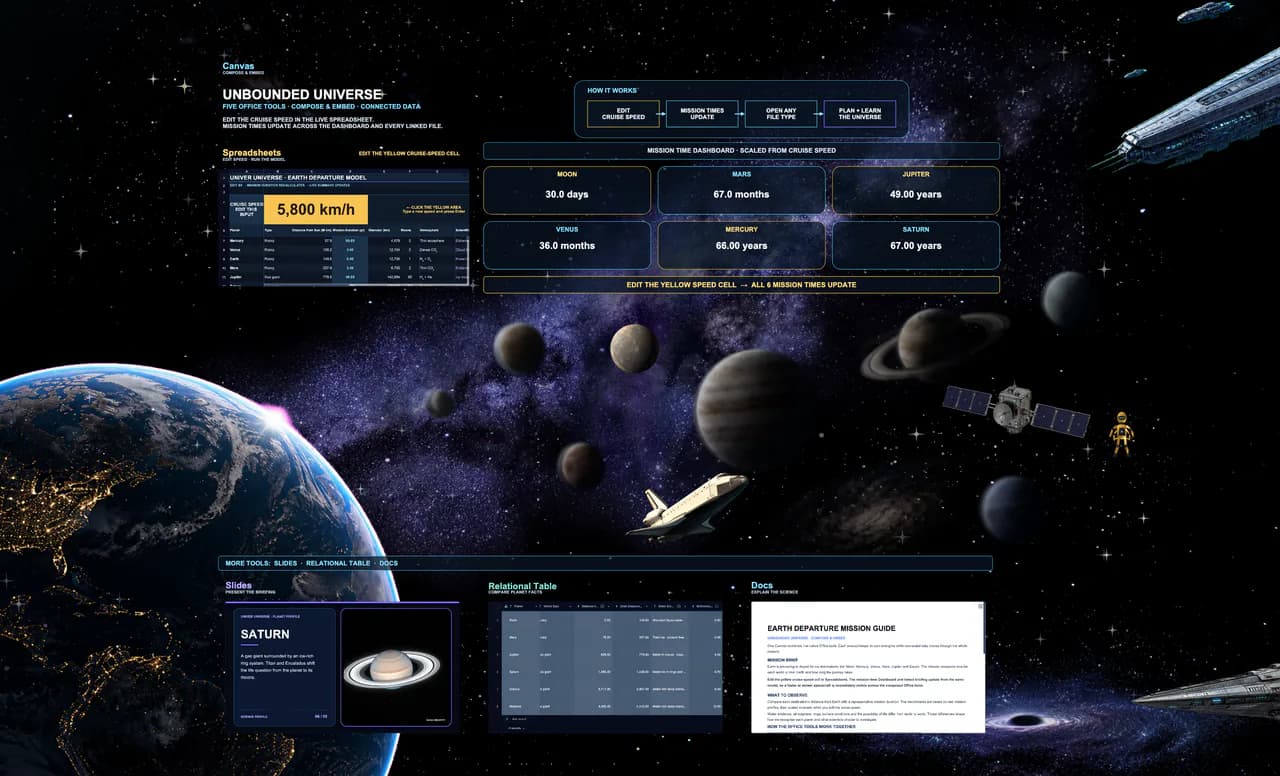
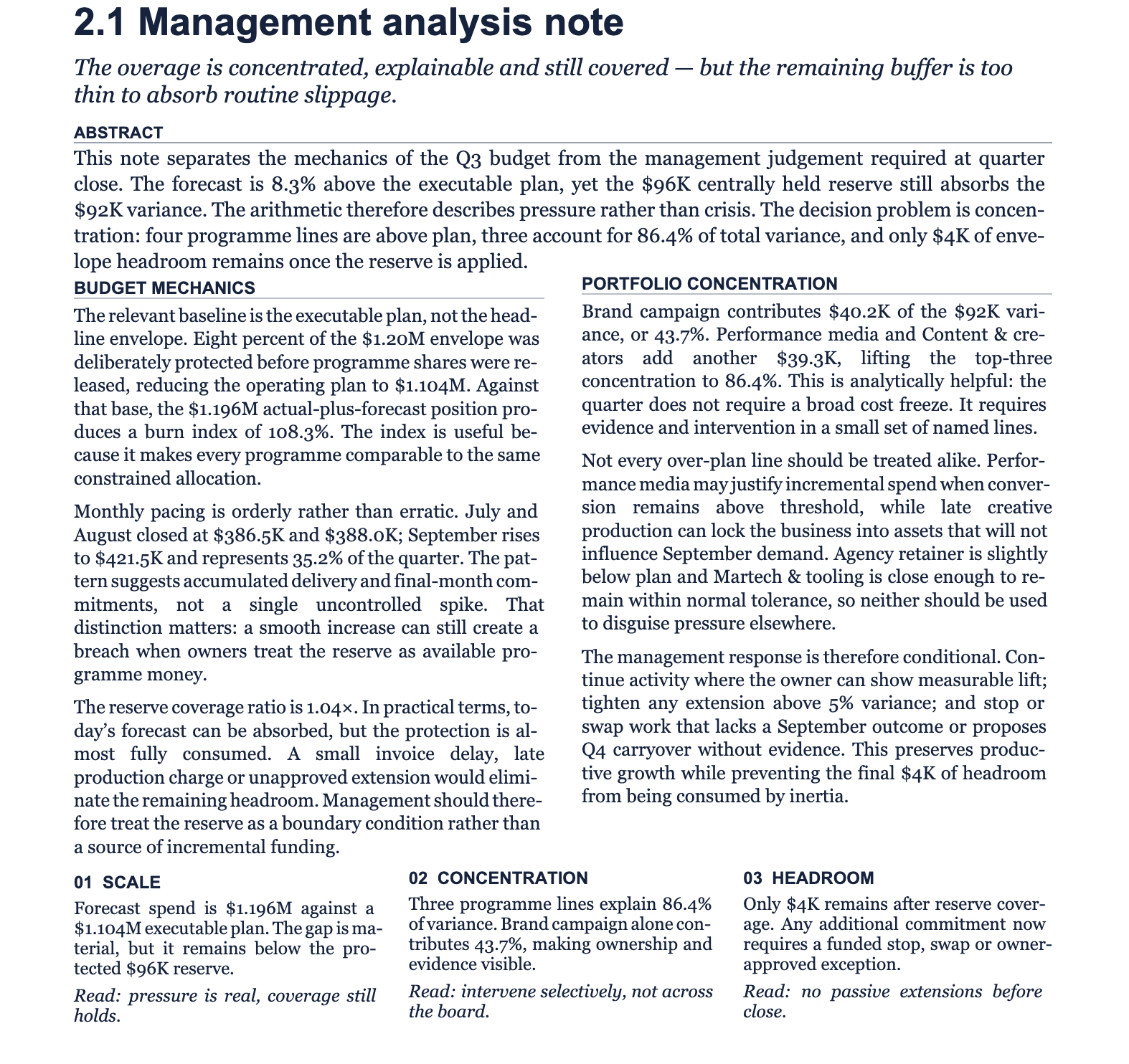
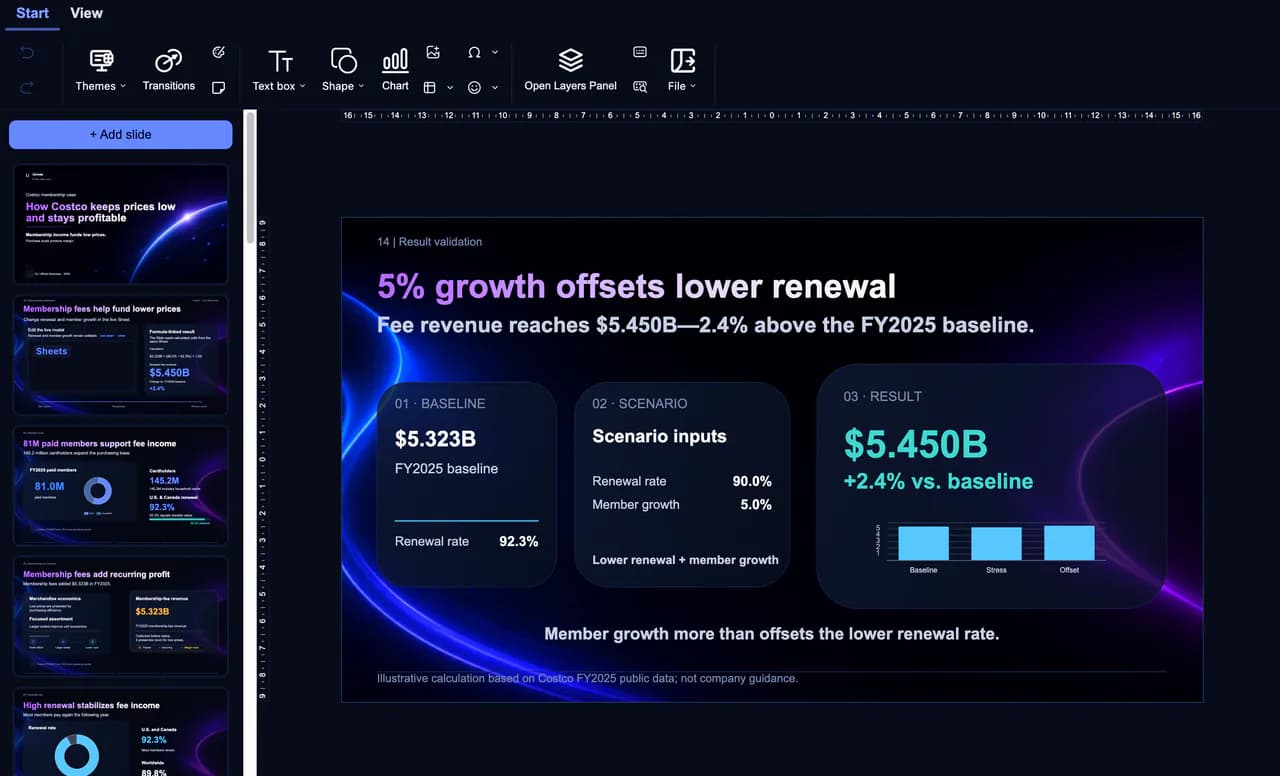
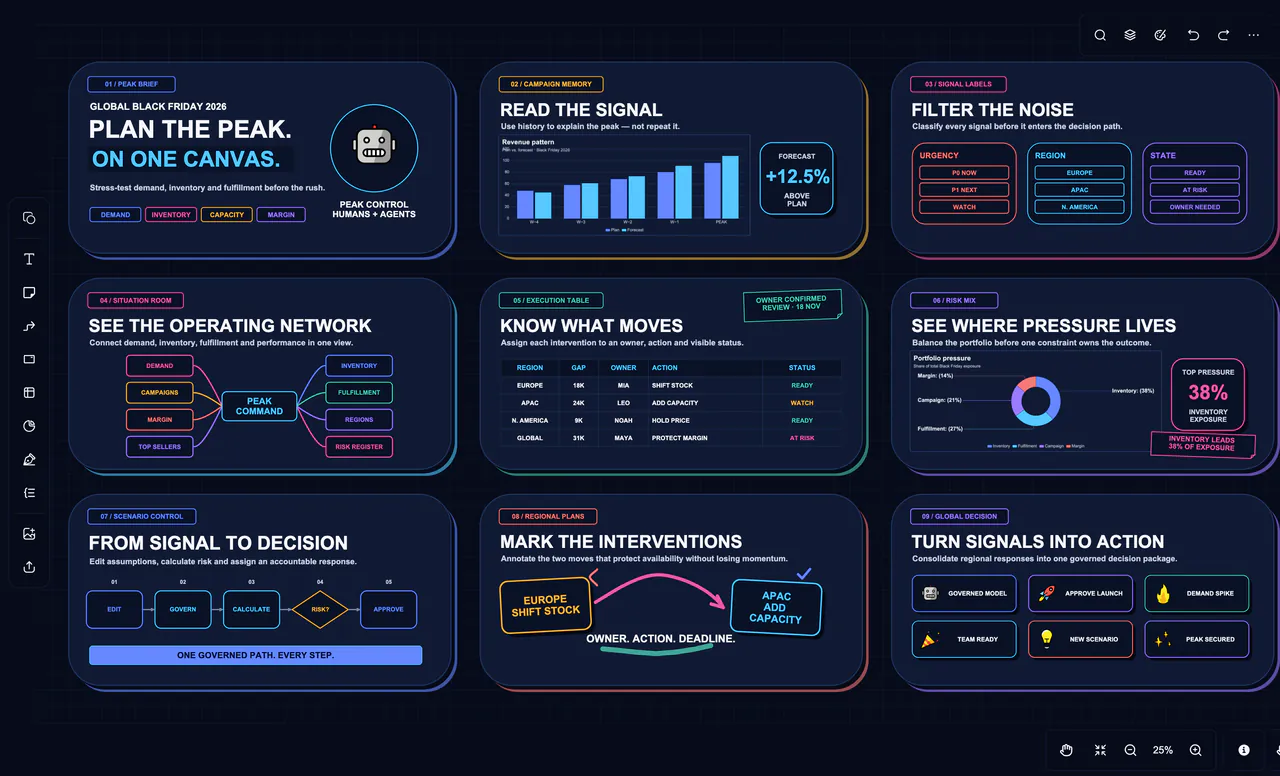
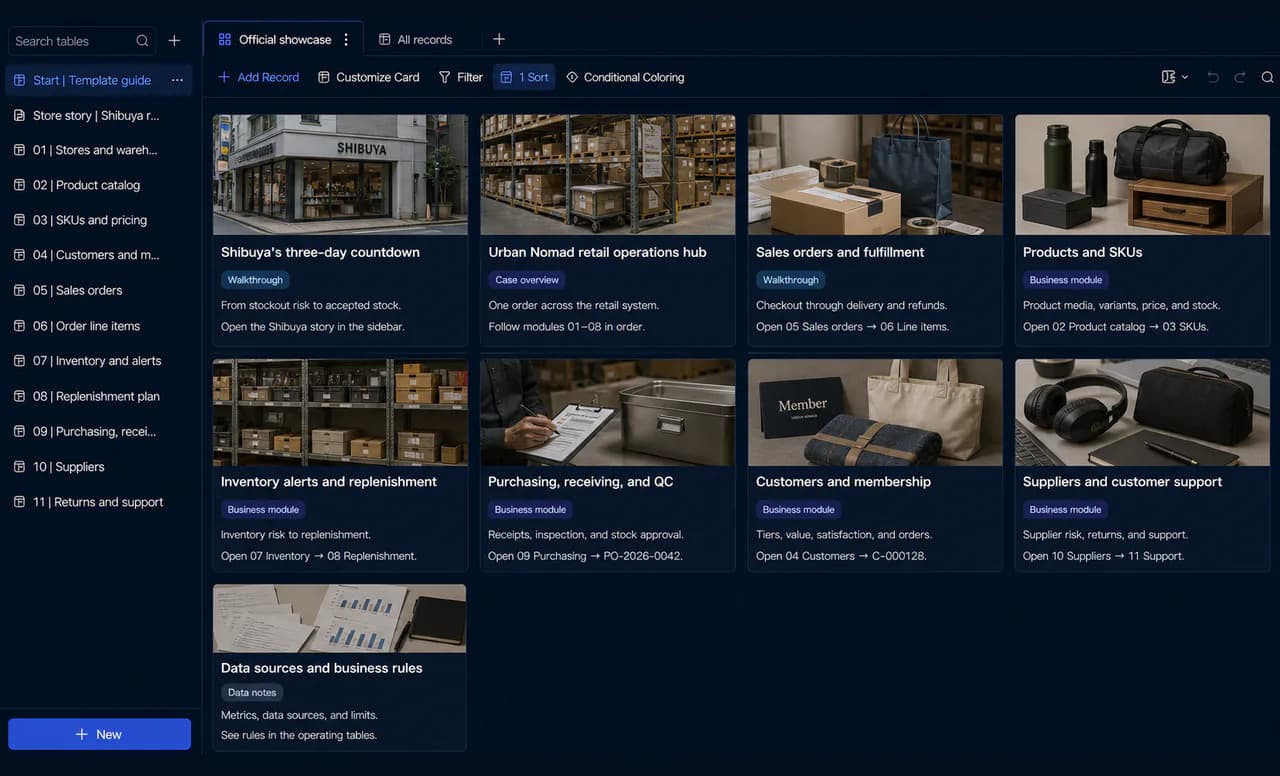
Not one tool — the whole runtime. Sheets, docs, slides, and canvases live in one .univer file, composing and embedding freely, with humans and agents working side by side.
- Every block in one place — a slide holds a live sheet, a doc cites its source, a canvas lays it all out
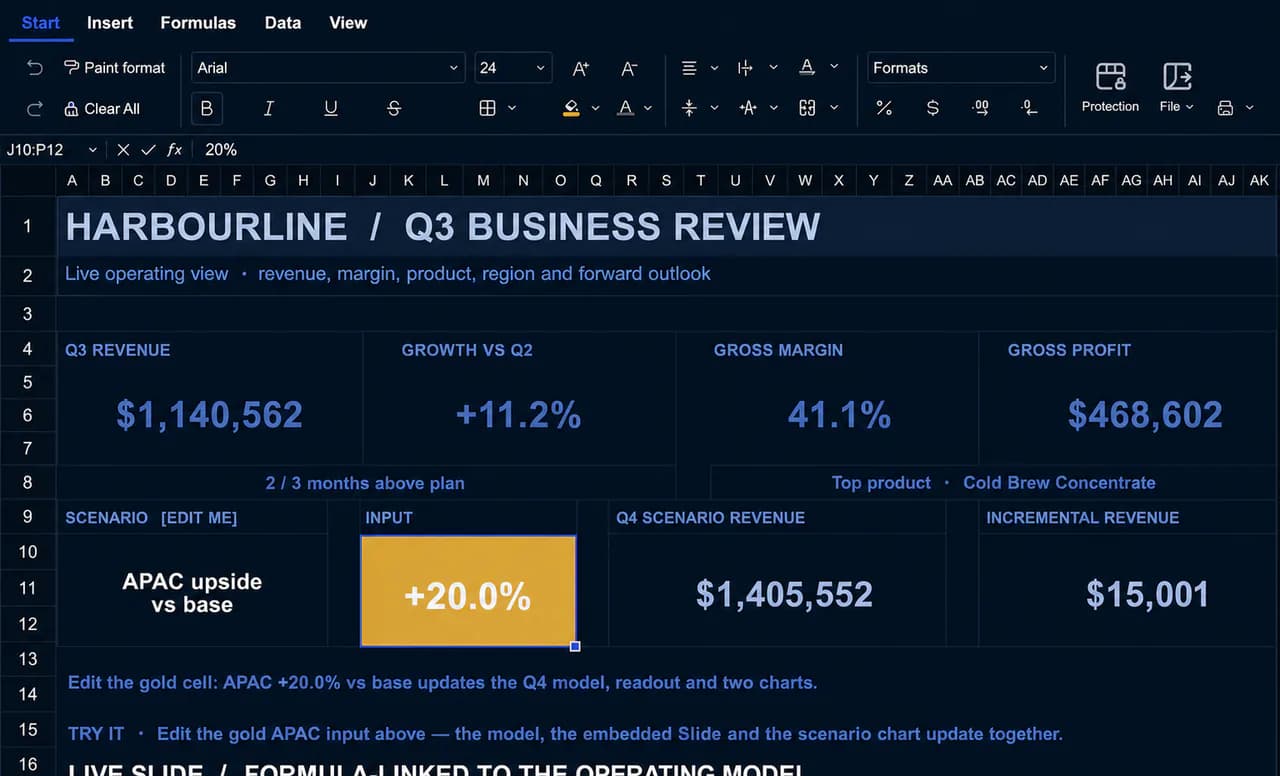
- Data stays synchronized across every block — sources change, references update
- Humans and agents co-edit in the same file, every change traceable
Core Features
Full details in the capability matrix.
One Runtime for Every Office Tool
Spreadsheets, docs, slides, canvases, relational tables, and more — on a single runtime. Data stays connected and traceable: a doc references a sheet; the source changes, everything synchronizes.
Human–Agent Co-Editing
Humans and agents edit the same file at the same time. Review, refine, or directly modify agent-produced work. The Spreadsheet SDK uses a spreadsheet-specific OT collaboration algorithm with conflict handling, history, and support for 200 simultaneous editors.
Multi-Agent Workflows on Worktrees
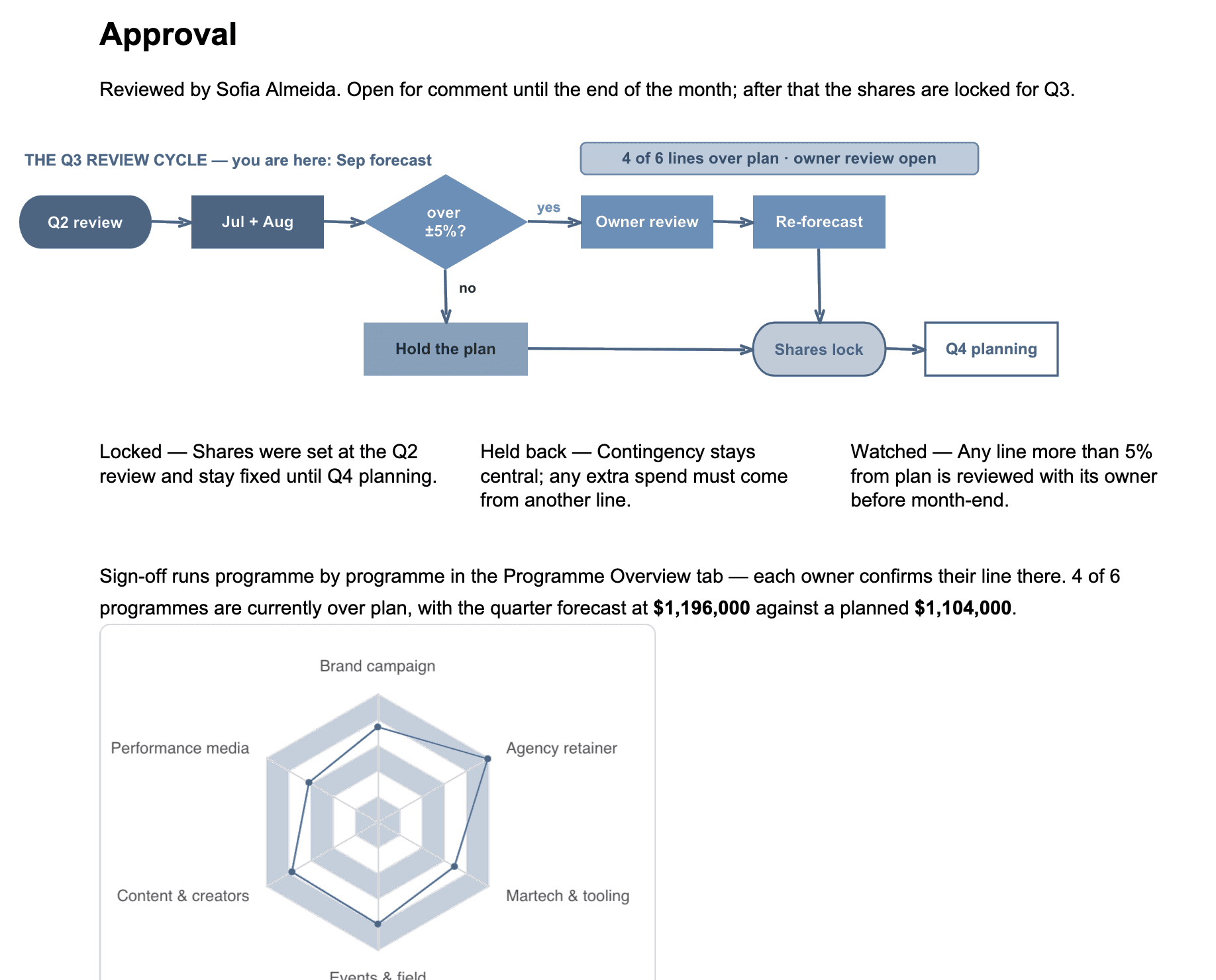
Run multiple agents on the same file simultaneously — each on its own isolated worktree. Humans review and merge every contribution.
Git-Style Version History
Every change is tracked and reviewable. Restore any version, merge with control.
Agent Self-Verification
Agents set their own validation conditions, test their output, and iterate until requirements are met — before handing it back.
High-Fidelity Import & Export
High-fidelity import and export for XLSX, DOCX, PPTX, CSV, TSV, PDF, and more. See the full format list under Capabilities.
Self-Hosted by Design
Deploy on your own infrastructure. No third-party accounts, no data leaving your environment.
Embed Anywhere
White-label, no watermark. Customizable themes, feature trimming, i18n, and open NPM packages.
Excel-Grade Performance
A Rust-based formula runtime with 500+ built-in functions calculates one million formulas in seconds. Web rendering of 10 million cells with smooth scrolling. PivotTable aggregation of one million rows in milliseconds.
Why Univer
From the team behind Luckysheet.
Trusted by teams worldwide.
SpreadsheetBench
Real-world spreadsheet task accuracy
◎ GDPval
across 44 occupations
including 75 spreadsheet-related cases
Get started
Start building today
Bring a unified, highly customizable Office runtime into your product with Univer Office SDK.